25 March 2021

671. External tools to make up for shortcomings in Canvas LMS

Not a fan of Canvas LMS at all. There are too many things missing, too many things that don't work well, and ultimately I feel it does not work well for me as a teacher.

In contrast, I felt that on the whole Moodle offered the tools that I needed: a well-functioning quiz tool, a good forum, and  good tools for making exams.

The forum in canvas is confusing to the students, and is hard to organize. 

The quiz function is very limited in scope, and does not offered a good overview of responses. From what I understand you can de-anonymize reponses as well. It's not a good tool for course evaluations for these reasons. It also doesn't work well for getting responses from discussions as part of a flipped classroom.

Also, you can't attach more than one document to a question when answering. Even worse, attached documents that are uploaded by students end up in THEIR accounts, so that they can e.g. delete them after they've taken an exam. Anything to do with exams/quizzes should be immutable.

I don't have a solution to that last issue, but here's what I've done with the rest:

Course evaluation: 

mentimeter.com. We have a license. The course evaluations look great and are easy to interpret.

Otherwise I'd use google forms.

Feedback during flipped classroom discussions: 

Google Forms. It works well, and gives an easy overview of responses in real time. If we didn't have mentimeter.com I'd use this for the course eval as well.

Forum:

ProBoards. I also looked att making a Google Group, but that worked about the same as the Canvas forum. ProBoards looks and works like a real forum, and you can let students self-register. You can also create custom names/URLs for your forum(s) -- mychemforums.proboards.com.


[Examination: For now we use moodle for this, although we've been told to phase this out. Instead we're going to be using Inspera, which at a glance if anything seems less suitable for chemistry exams than moodle. Time, and testing, will tell.]


09 March 2021

670. Issues with the RSC latex template -- text shifted on debian buster

Using the RSC latex template -- last updated 2016 -- works fine on debian stretch. However, on debian buster the text is screwed up on all pages except for the first one: the header is way too big, and the text runs off the page at the bottom.

After having spent a lot of time looking at log files, comparing installed packages on different machines, and generally not making any progress, I finally found this:

https://tex.stackexchange.com/questions/495662/rsc-template-fancyhdr-doesnt-respond-well

which links to 

https://tex.stackexchange.com/questions/491859/what-has-changed-in-latex-that-means-the-rsc-template-no-longer-works#comment1242180_491859

Since links die occasionally I'll summarize it here (I DID NOT COME UP WITH THIS SOLUTION):

Fancyhdr has been updated between stretch and buster, and while the maintainers at Overleaf have fixed the RSC template and notified RSC of the changes necessary, the current (8/3/2021) version of the template is still faulty.

To fix you can either 

1) edit the .tex file template itself

a) Comment out 

\fancyhead[C]{\includegraphics[width=18.5cm]{head_foot/header_bar}}
\fancyhead[L]{\hspace{0cm}\vspace{1.5cm}\includegraphics[height=30pt]{head_foot/PCCP}}
\fancyhead[R]{\hspace{0cm}\vspace{1.7cm}\includegraphics[height=55pt]{head_foot/RSC_LOGO_CMYK}}

b) find vspace{3cm} after \twocolumn[..] and add

{\includegraphics[height=30pt]{head_foot/journal_name}\hfill%
 \raisebox{0pt}[0pt][0pt]{\includegraphics[height=55pt]{head_foot/RSC_LOGO_CMYK}}%
 \\[1ex]%
 \includegraphics[width=18.5cm]{head_foot/header_bar}}\par

right before it.

Then change \vspace{3cm} to \vspace{1em}

or 

2) add some extra .sty files to the folder with your .tex file. Those files are:
balancy.sty, caption.sty, caption3.sty, fancyhdr.sty, mchem.sty and secsty.sty

They can be had from https://github.com/bardsoftware/template-RSC/tree/master/Paper

07 December 2020

669. Checking how many students attended a zoom lecture, afterwards

 This is an easy one, but you need to know that 1) the option is there and 2) where to look.

Go to the web-interface to zoom at your institution, and click on log in:


Now that you're in, go to to Reports:


Then go to Usage:


Now, search for the time period that you're interested in:


And click on the number of attendees. Note that if someone gets disconnected, and then reconnect, they're counted twice, so this is not the value you want to use:


Instead, make sure to click "Show unique users" to see how many students actually attended. You can also export it as a csv file which is probably a good idea since you'll need to count by hand otherwise:


That's it.


30 October 2020

668. Controlling the fan speed of an Nvidia card when you're using the nouveau driver and no xorg.conf

 My old GT210 has served me well, but I've had a few odd freezes recently, coupled with weird graphics behaviour. It's a pity, since it's a nice, silent fan-less graphics card from way back when: https://www.gigabyte.com/Graphics-Card/GV-N210SL-1GI#ov

Although some of it may be due to switching back and forth between VGA and HDMI output (between an old HP 19'' and my new fancy xp pen display) I ripped it out and replaced it with an almost as ancient GT 520 (https://www.gigabyte.com/Graphics-Card/GV-N520OC-1GI#ov)

The fan isn't loud, but it's there, and it's distracting since I'm working in a home environment (Corona!).

Looking online I found these posts:
http://floppym.blogspot.com/2013/07/fan-control-with-nouveau.html
https://forums.opensuse.org/showthread.php/501517-OS-13-1-Driver-quot-nouveau-quot-Unable-to-command-fan-speed-Nvidia-6800-GS
https://www.kernel.org/doc/Documentation/thermal/nouveau_thermal

So, first to check if fan control is possible:

me@indium:~$ find /sys -name pwm1_enable
find: ‘/sys/kernel/debug’: Permission denied
/sys/devices/platform/it87.2624/hwmon/hwmon2/pwm1_enable
/sys/devices/platform/it87.2656/hwmon/hwmon3/pwm1_enable
/sys/devices/pci0000:00/0000:00:03.0/0000:05:00.0/hwmon/hwmon0/pwm1_enable
me@indium:~$ readlink /sys/devices/pci0000:00/0000:00:03.0/0000:05:00.0/driver
../../../../bus/pci/drivers/nouveau

Good, and we got the hwmon number -- 0. 

I then created a script called gpufan.sh:

sudo sh -c "echo 1 > /sys/class/hwmon/hwmon0/pwm1_enable"
sudo sh -c "echo 35 > /sys/class/hwmon/hwmon0/pwm1_min"
sudo sh -c "echo 45 > /sys/class/hwmon/hwmon0/pwm1"

I set the min% to 35 -- it used to be 65. And I tested my way to 45% as a good compromise between noise and temperature. By default the fan speed was >4,000 rpm. Output from sensors now:

nouveau-pci-0500
Adapter: PCI adapter
GPU core:     +0.90 V  (min =  +0.90 V, max =  +1.11 V)
fan1:        2790 RPM
temp1:        +34.0°C  (high = +95.0°C, hyst =  +3.0°C)
                       (crit = +105.0°C, hyst =  +5.0°C)
                       (emerg = +135.0°C, hyst =  +5.0°C)

27 October 2020

667. XP PEN/virtual whiteboard during a lecture -- mirroring an application window on linux

The situation:

We're allowed to teach on campus at the moment, but we're also strongly encouraged to adopt a hybrid model where we stream everything via zoom so that students don't show up if they have flu/cold-like symptoms.

We've spent the past few years killing off ppt and transitioning to whiteboard/chalk-and-talk. The students love it -- the pace is better, and the lectures become more interactive since we can adjust our teaching to the students' learning. Good stuff. But horrible for streaming -- you can't just point a webcam at a whiteboard and expect a good outcome (although if need be, it can be done -- just use a good camera and write large with a dark pen).

I have an XP Pen Artist 13.3 Pro (https://www.parkablogs.com/content/review-xp-pen-artist-133-pro-pen-display ) which is fantastic for drawing. A lot of fun, and a potential solution to the whiteboard quandary.

The Problem:

Both the students in the class room and those following the lecture on zoom need to be able to see what you're doing. And since the pen display is a DISPLAY, you need to have your drawing program open on the pen display, and not on the projector (which is also a display).

The Solution:

1. Open your drawing window (xournal, or xournal++ or openboard or krita) on your pen display ... display. 

2. Then run xwininfo (part of x11-utils) and click on your window. You get a window id, e.g. 36000a

Then run x11vnc:
x11vnc -id 36000a

Note the port number -- likely 5900.

The window is now being shared via vnc. 

3. To see it, use e.g. vinagre, click Connect, set the protocol to vnc and the port to 5900 (and you're presumably connecting to localhost). 

Make sure to enable 'scaling', since many old video projectors have a 4:3 resolution ratio, whereas e.g. the xp pen 13.3 has a 16:9 ratio.

Drag this window to the projector.

4. Share the original window via zoom

Note that I've had issues getting the pen display to map correctly when all three display (laptop, xp pen, and projector) are connected. Turning off the laptop screen solved it.


A script:

I've made a script called mirror.sh which starts the x11vnc with the correct id:

winid=`xwininfo |grep "Window id"|gawk '{print $4}'`
x11vnc -id  $winid


01 October 2020

666. Zoom -- multiple booking for a course

Problem:

Recurring bookings are easy enough to make in zoom, but what do you do if your lectures are given at different times each day?

Solution: 

make a recurring booking e.g. at 8 am, 2 hours, each day for two weeks. 'When' is not important.

Then go in and edit the booking. You can then change the times for each zoom meeting:

You can also delete meetings e.g. those that fall on weekends:


24 August 2020

665. Dealing with low gain/low volume in Samson XPD2 by boosting the gain in pulseaudio

I've 'solved' this now. See bottom of post.

Old post:

 Got the Samson XPD2 now, and it's ... interesting.

Even if I crank everything up to the max in linux, I can barely hear what I record in audacity (or anywhere -- it's a linux thing).

But if I hook up headphones to the headphone jack on the USB dongle the sound is great.

What figures?

As usual the first port of call is always dmesg:

[Sun Aug 23 05:18:02 2020] usb 2-11: new full-speed USB device number 22 using xhci_hcd
[Sun Aug 23 05:18:02 2020] usb 2-11: New USB device found, idVendor=17a0, idProduct=1616, bcdDevice= 1.00
[Sun Aug 23 05:18:02 2020] usb 2-11: New USB device strings: Mfr=1, Product=2, SerialNumber=0
[Sun Aug 23 05:18:02 2020] usb 2-11: Product: Samson RXD wireless receiver
[Sun Aug 23 05:18:02 2020] usb 2-11: Manufacturer: Samson Technologies
[Sun Aug 23 05:18:02 2020] usb 2-11: Warning! Unlikely big volume range (=496), cval->res is probably wrong.
[Sun Aug 23 05:18:02 2020] usb 2-11: [50] FU [Mic Capture Volume] ch = 1, val = 0/7936/16
[Sun Aug 23 05:18:02 2020] input: Samson Technologies Samson RXD wireless receiver as /devices/pci0000:00/0000:00:14.0/usb2/2-11/2-11:1.2/0003:17A0:1616.0012/input/input58
[Sun Aug 23 05:18:02 2020] hid-generic 0003:17A0:1616.0012: input,hidraw7: USB HID v1.00 Device [Samson Technologies Samson RXD wireless receiver] on usb-0000:00:14.0-11/input2


Linux is normally PnP, but here there seems to be an issue. Time to start reading. Found a similar issue here: https://bugzilla.redhat.com/show_bug.cgi?id=1070706

Will update as/if I fix this.

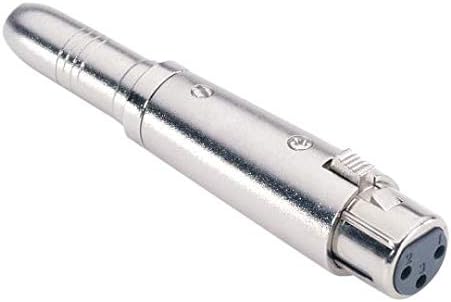
Also, I got a female 3.5 mm to female XLR connector so that I can use a better lavalier mic. The connector should be mini-XLR -- a full-size XLR is way too big. 

Solution:

What I do now is set the input volume in the terminal using pulseaudio (pacmd/pactl).

By default you can only set the input volume to 150%, but using the command line you can go as crazy as you like.

First identify the card index number: 

pacm list-sources|egrep "name|index"

    index: 26
   name: <alsa_input.usb-Samson_Technologies_Samson_RXD_wireless_receiver-00.analog-mono>
      alsa.name = "USB Audio"
      alsa.subdevice_name = "subdevice #0"
      alsa.card_name = "Samson RXD wireless receiver"
      alsa.long_card_name = "Samson Technologies Samson RXD wireless receiver at usb-0000:00:14.0-2, full sp"
      alsa.driver_name = "snd_usb_audio"
      device.vendor.name = "Samson Technologies Corp."
      device.product.name = "Samson RXD wireless receiver"
      device.profile.name = "analog-mono"
      alsa.mixer_name = "USB Mixer"
      device.icon_name = "audio-card-usb"

Then do (for index 26):

pactl set-source-volume 26 270%

Works great! Of course you can't touch the input slider in the pulseaudio GUI at this point. The next project is to change the pulseaudio source code to allow a higher max volume.

New microphone

I also bought a new microphone to use with the Samson: https://www.amazon.de/-/en/gp/product/B071937RZZ/ref=ppx_yo_dt_b_asin_title_o01_s00?ie=UTF8&psc=1

The sound is subjectively a lot better and I feel that it has better dynamic range, than with the stock microphone.

22 August 2020

664. Capturing sound when recording/streaming lectures/videos. A few devices.

 I'm interested in capturing sound, either during on-campus lectures, or when recording videos, or when lecturing over zoom.

Here are some of the devices that I own, and what I think:

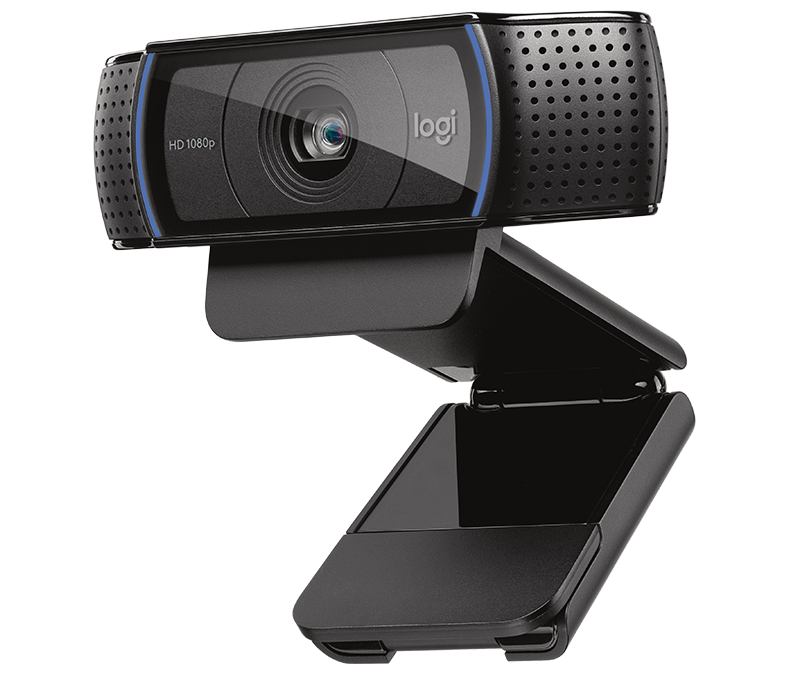
Logitech C920 webcam with integrated microphone:

C920 HD Pro Webcam 1

The sound is ... fine. Even at a few metres distance, actually.  Nothing like a proper, dedicated microphone, but way beyond e.g. the microphone you'd find in a laptop.

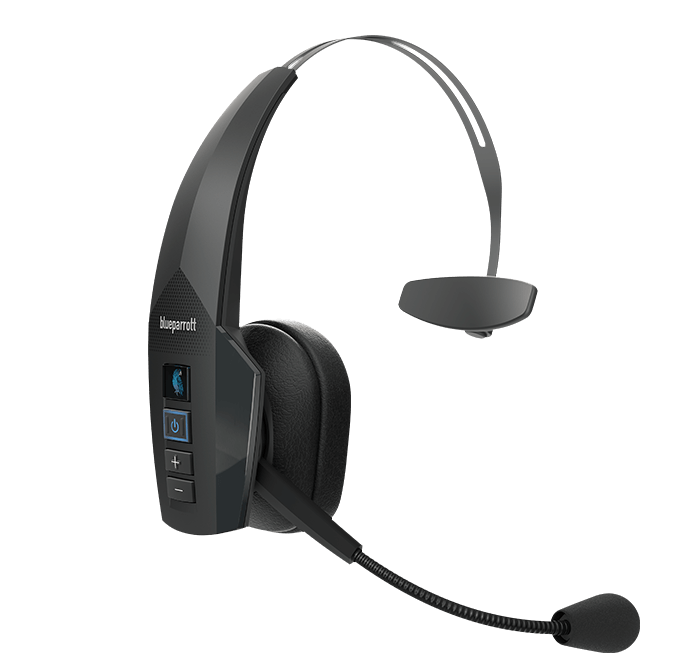
BlueParrot B350-XT bluetootch headset:

Jabra Evolve 75

It's absolutely bloody awful as a sound source. Absolutely fine for listening to music with, but as a headset for recording sound it stinks. The sound during phone calls is fine, but expectations aren't generally very high. Bloody expensive too.

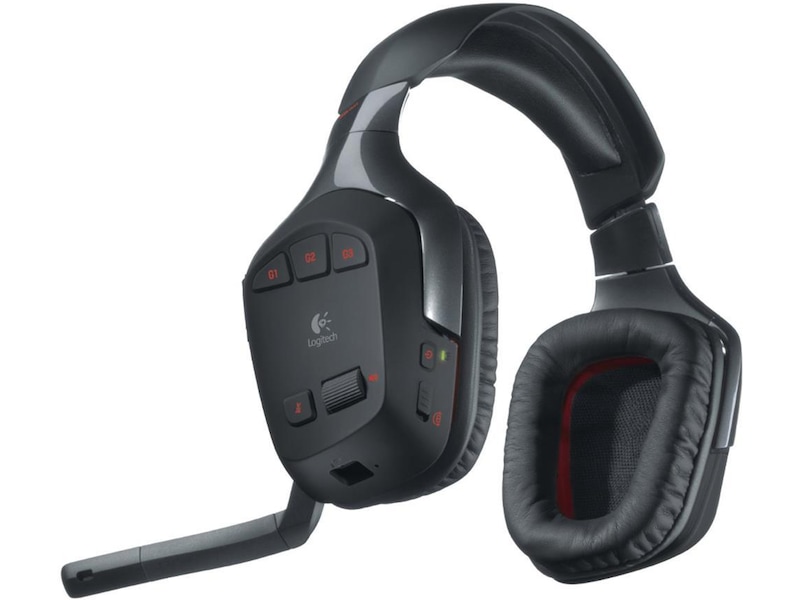
Logitech G930 wireless gaming headset:

Decent sound, but lacks dynamic range in terms of the microphone. Won't work well during a live lecture since it covers both ears. Great at keeping sound out, so very good as a headset for listening to music.

Samson XPD2 wireless lavalier microphone:

Have ordered, but not yet received. You can use it as a lav mic, but I'm going to experiment with using the Zoom H1n below as the input (via a 2x 3.5 mm cable plus a 3.55 mm female -> XLR converter), so that I can record on the H1n simultaneously as I live-stream. We'll see how it works out.

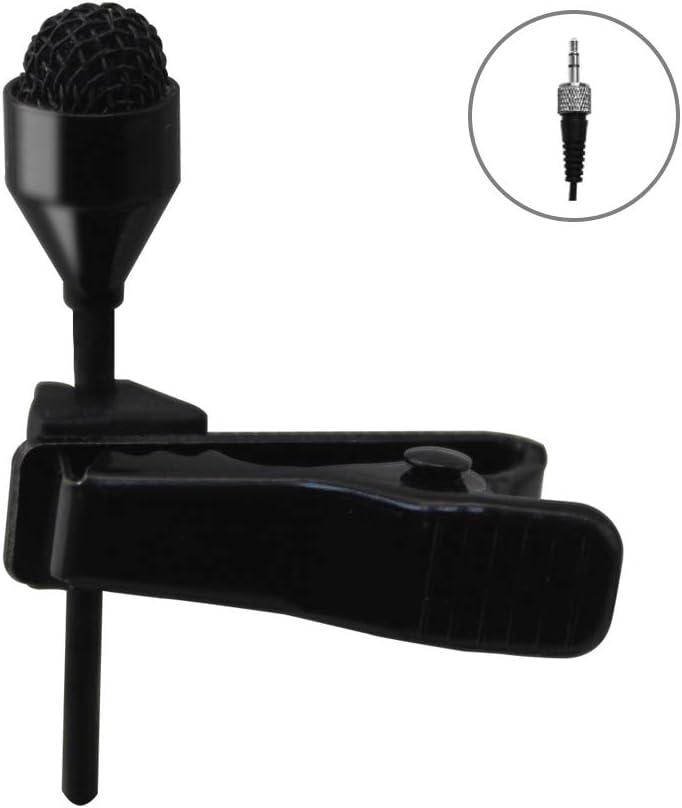
I also bought what is supposed to be a better Lavalier mic (J-082S 044) and a 3.5 mm/XLR adapter:


Blue Yeti microphone:

Yeti microphone image

This is my default microphone for video conferencing and recording videos. It's a great microphone. Cheaper than the crappy B350-XT above. Has several different pickup patterns. I love it. 

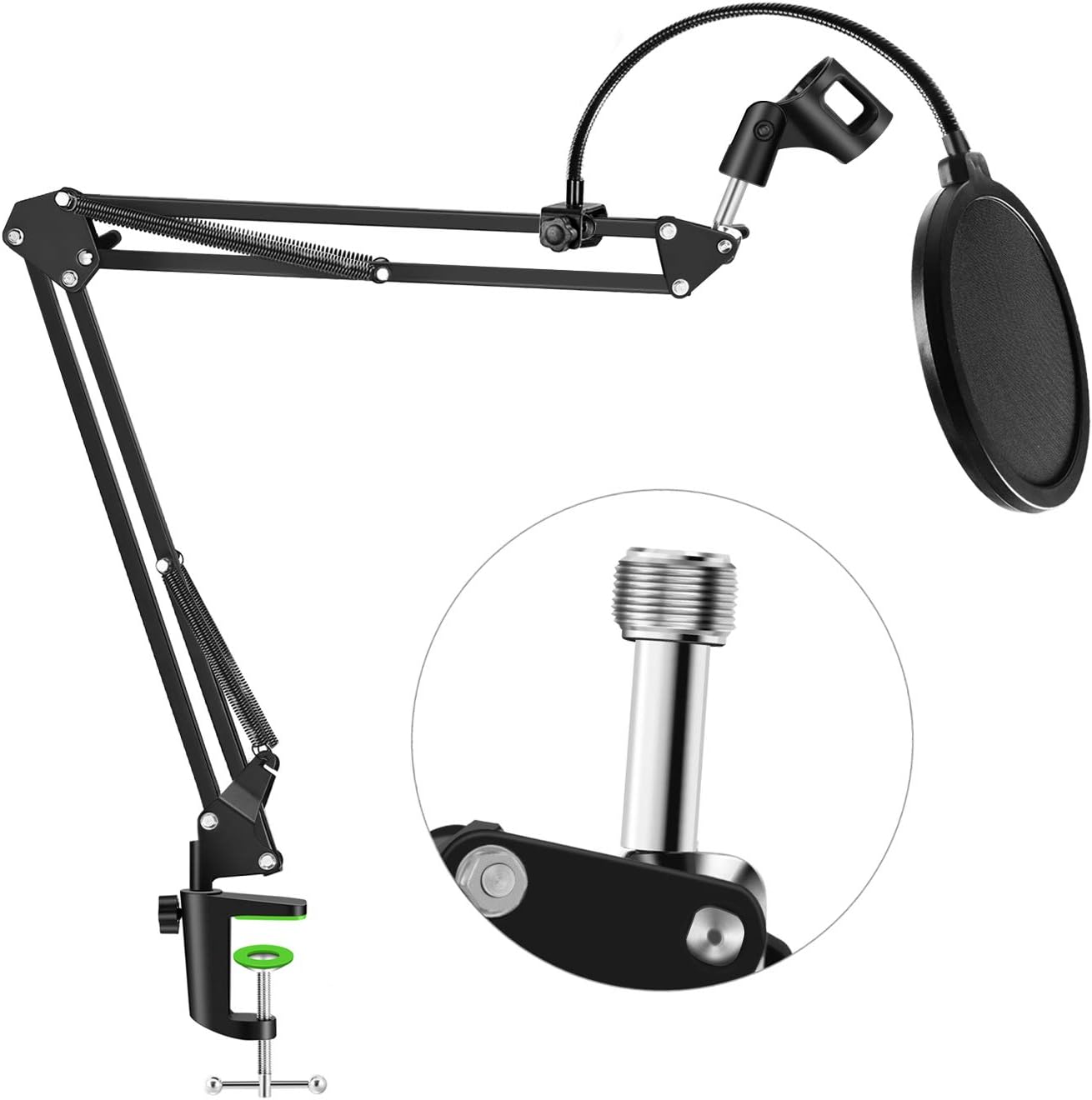
I'm using it together with a boom arm I got off of Amazon ('Neuma Professional Microphone Stand with Pop Protection').

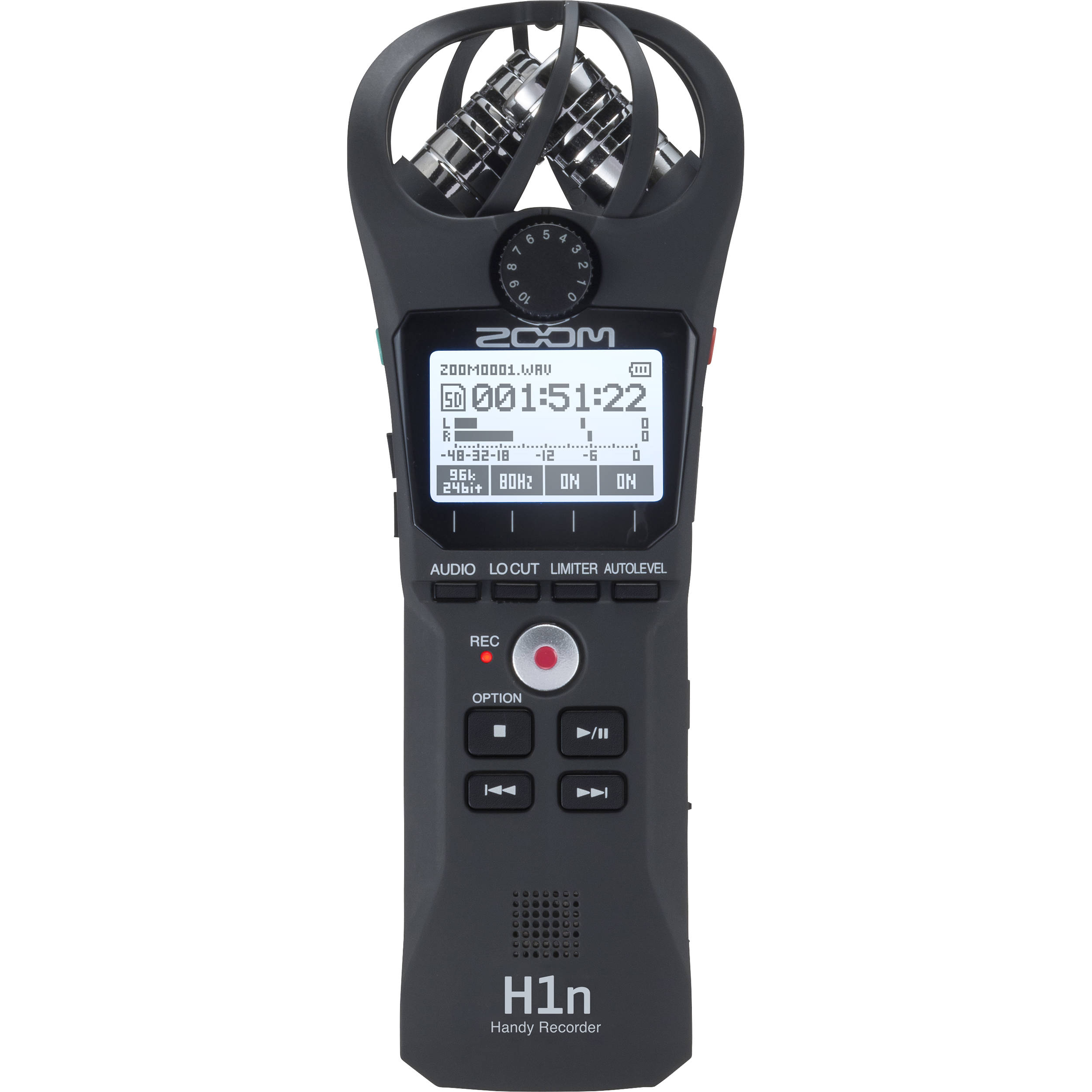
Zom Handy H1n sound recorder:
Zoom H1n 2-Input / 2-Track Portable Handy Recorder ZH1N B&HZoom APH1N Accessory Pack for H1N Handy Recorder | Recorders - Store DJ

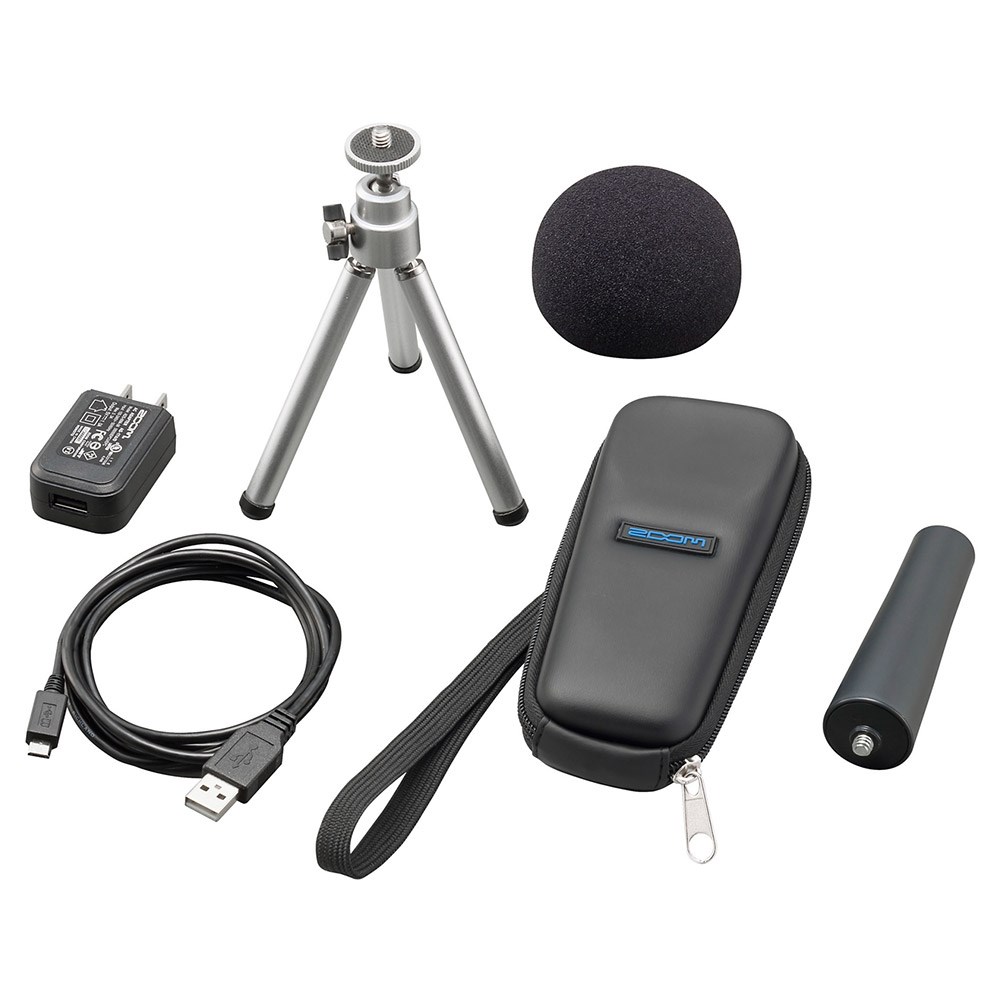
This is my favoure toy though. It's small, light and have great sound. It's a stereo microphone when use as a sound recorded. You can also hook it up via USB (and have it powered via USB) and use it as a high-quality MONO microphone when recording videos or video conferencing. You can NOT record at the same time as you're using it as a USB microphone. I also got the Zoom APH 1 N/GE Accessories Bundle.

The portability makes it great for a number of uses. You can pass it between lecturers that want to record good-quality sound for lecture videos, and it's easy to take home (the Blue Yeti is a heavy beast).

You can also stick it the podium when giving a lecture and it will capture surprisingly good sound. You can record sound and replace webcam sound in post using e.g. KDENLive. You can attach a lavalier mic and use it to record sound during a live lecture and replace webcam sound in post. And more.

It has a 3.5 mm mic input and a 3.5 mm headphone output. I'm planning on experimenting with recording on the H1n at the same time as I've got the headphone output connected to the Samson (above) so that I can stream the sound to my laptop, and share it via zoo, since wireless technologies can be unstable in a lecture hall with lots of phones with wifi running (anywhere you have students). We'll see how it works out.


----------------
Once the audio is taken care of, I plan on using the following for the visual, and use OBS Studio to tie it all together.

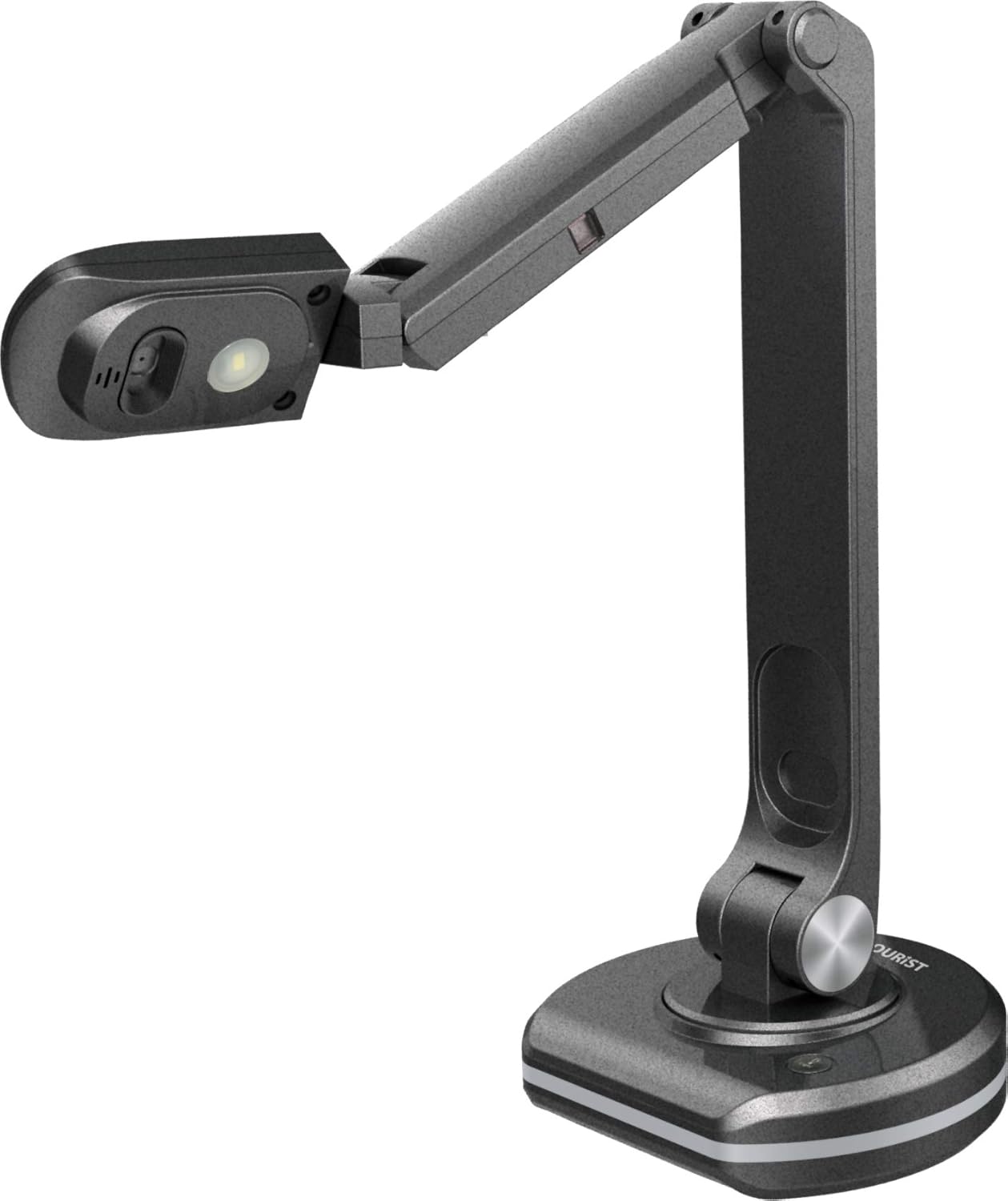
Document camera JOURIST DC80

H1n Audio Recorder front viewH1n Audio Recorder front viewWebcam Logitech C920

H1n Audio Recorder front viewC920 HD Pro Webcam 1


I've also ordered a chromakey set for fancier video production. Will be interesting to see how it turns out.